
Domain bar
The bar at the bottom of the Domain view shapes the word cloud. Each column has a gear icon for its settings.
- Shape: the outline the words are laid out in: Circle, Heart, Diamond, Triangle, Pentagon, Star, M, or a Custom SVG you upload (kept for as long as the tab is open).
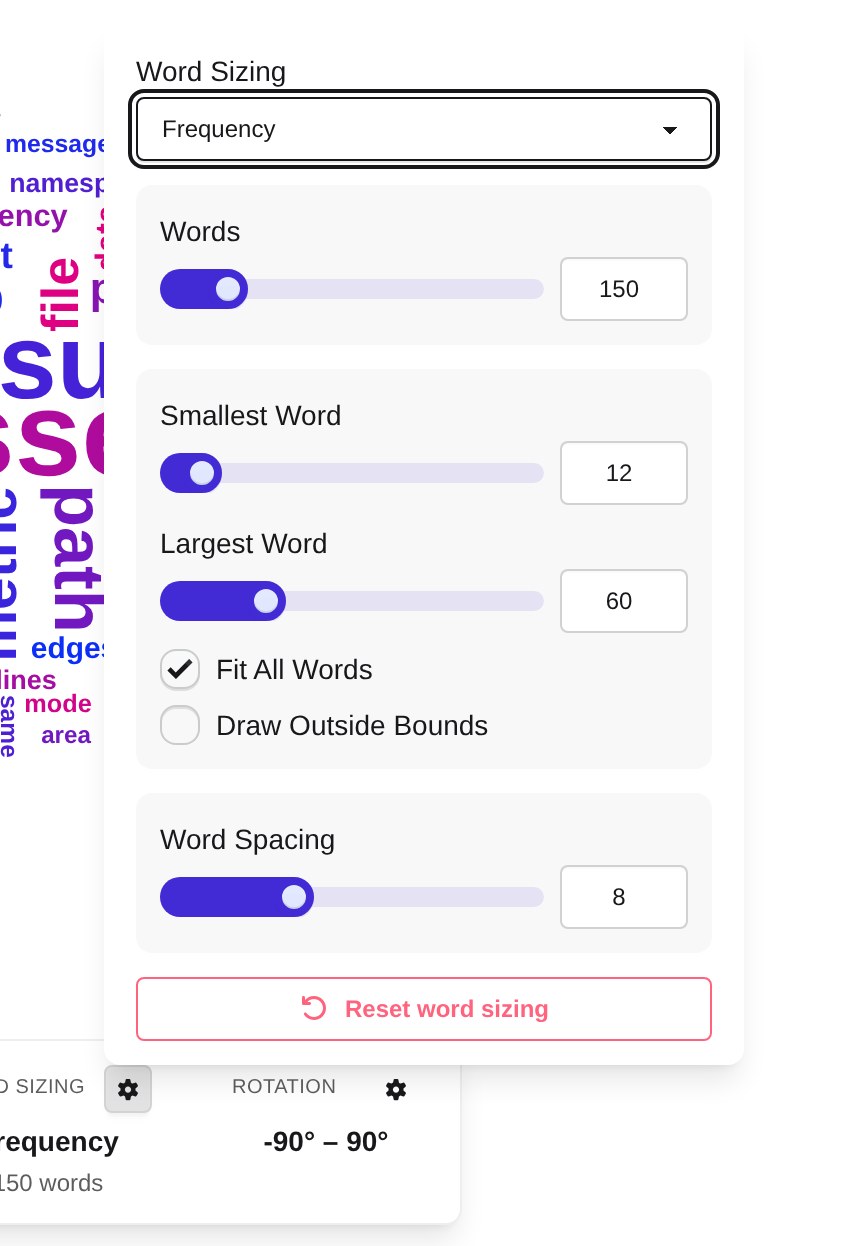
- Word Sizing: what drives a word’s size and how many words are drawn:
- Word Sizing: Frequency sizes words by how often they occur; TF-IDF sizes them by how distinctive they are, not by raw count. It is only available when the map carries TF-IDF scores.
- Words: how many of the most important words are drawn.
- Smallest Word / Largest Word: the sizes the least and the most important word are drawn at.
- Fit All Words and Draw Outside Bounds: how to deal with words that do not fit into the shape.
- Word Spacing: spacing between words in pixels; larger means fewer, more spread-out words.
- Rotation: the range of angles words may be rotated by (Min Rotation, Max Rotation) and the Rotation Step they are rotated in multiples of.
Each settings popover has its own reset button.