
Web Studio
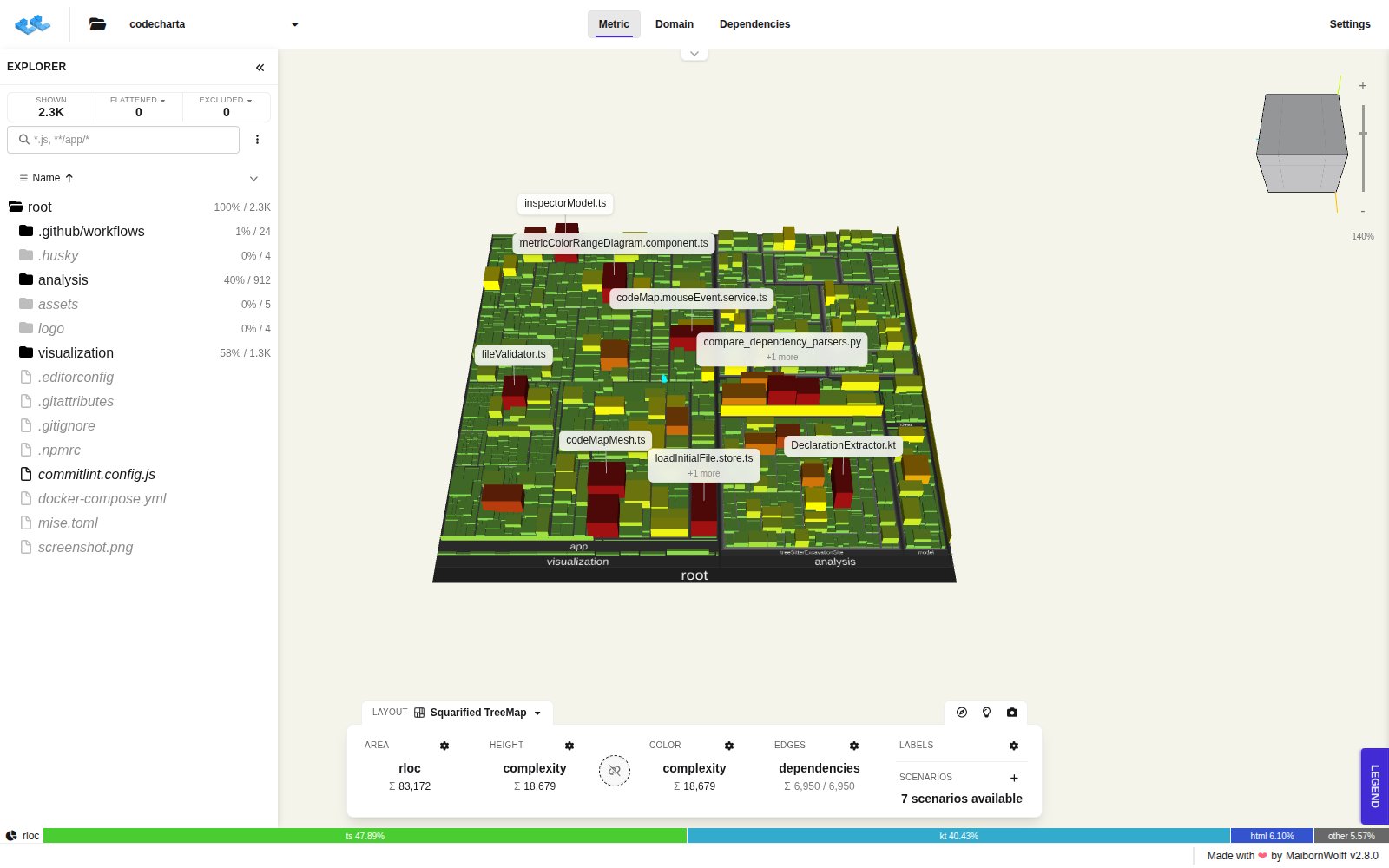
The Web Studio is the visualization part of CodeCharta. It opens the .cc.json maps the
CodeCharta Shell writes and shows them as an interactive 3D code map, so hotspots,
large files and complex code stand out at a glance. Depending on what was analysed, the same map can also be read as a
word cloud of its domain language and as a graph of its dependencies. See Views.
Try it online
Section titled “Try it online”Open the hosted Web Studio in your browser. It starts with two sample maps of CodeCharta’s own code, so you can look around before you analyse anything. To open your own map, use the folder button in the top bar. See Loading maps.
Run it yourself
Section titled “Run it yourself”The Web Studio also runs on your machine: from npm, as a Docker container, or as a desktop app for Windows, macOS and Linux. See Getting started for each option.
Your data stays local
Section titled “Your data stays local”The Web Studio runs entirely in your browser. A map you open is read on your machine and is not uploaded anywhere, also on the hosted version. See Data privacy.
The Web Studio remembers the loaded maps and your settings in the browser, so a reload brings you back to where you left off. Reset map to default in the Settings clears them.
What’s new after an update
Section titled “What’s new after an update”The first time you open a newer version, the What’s new in CodeCharta? dialog lists the changes since the version you used last. View full changelog opens the release notes on GitHub, Got it closes the dialog.